
Using Confidential AI with JetBrains IDEs
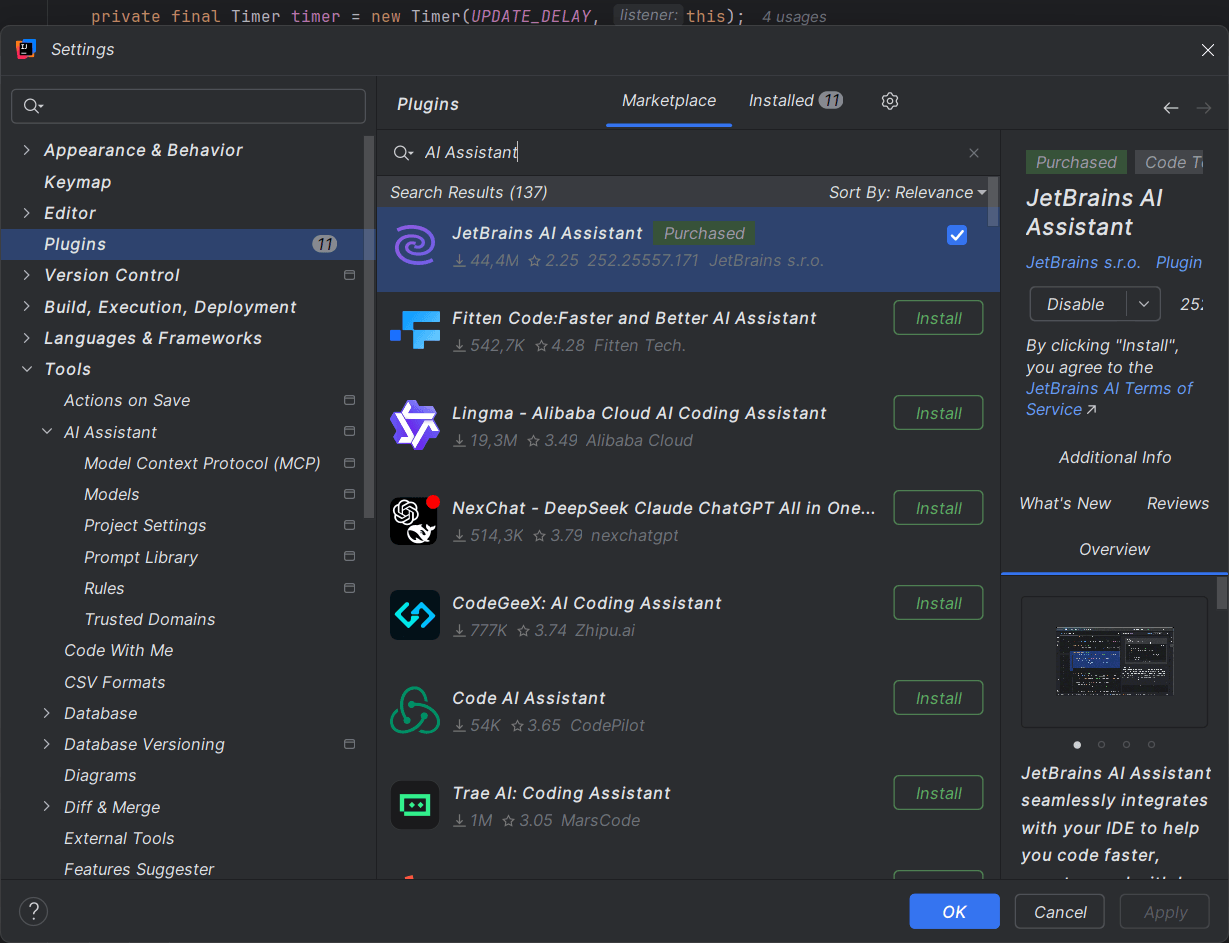
JetBrains IDEs support AI coding through the AI Assistant plugin. With Privatemode AI, every prompt and code snippet is encrypted end-to-end through confidential computing, keeping your codebase fully confidential.




Use JetBrains AI Assistant without exposing your source code
AI-powered IDEs send your code to cloud providers
JetBrains AI Assistant brings AI chat, code generation, and inline completions to IntelliJ IDEA, PyCharm, CLion, and other JetBrains IDEs. By default, all prompts and code context are sent to external cloud providers. For teams working on proprietary software, regulated applications, or sensitive IP, that means source code leaves your control.
Privatemode keeps your code confidential
Privatemode provides an OpenAI-compatible API backed by state-of-the-art models running inside confidential computing environments. Configure the JetBrains AI Assistant to use the Privatemode proxy and your source code, prompts, and AI responses are encrypted end-to-end. Not even Privatemode can see your data.
Hardware-enforced, not just policy
The Privatemode proxy runs locally on your machine and encrypts all data before it leaves. On the server side, inference runs inside hardware-isolated confidential computing environments (AMD SEV / Intel TDX together with Nvidia Confidential Computing). The proxy verifies server integrity through remote attestation before every session. Your code is never stored and never used for model training.
Why use Privatemode AI with JetBrains IDEs?
End-to-end encrypted coding sessions
Every prompt you type and every file the AI Assistant reads is encrypted by the local Privatemode proxy before leaving your machine. Responses are decrypted only on your device. The models run inside confidential computing environments protected by AMD SEV and Intel TDX together with Nvidia Confidential Computing hardware. Your source code, architecture decisions, and business logic remain confidential throughout the entire session.
Full AI Assistant capabilities
The JetBrains AI Assistant plugin works with Privatemode for AI chat, code generation, and inline completions. The plugin fetches available models directly from the Privatemode proxy.
Easy setup
Setting up your JetBrains IDE to use Privatemode only requires a few minutes of your time.
Set up JetBrains AI Assistant to use Privatemode
Follow the step-by-step guide in the documentation to configure JetBrains AI Assistant with Privatemode as your inference provider.
Frequently asked questions about JetBrains IDEs with Privatemode
All JetBrains IDEs that support the AI Assistant plugin work with Privatemode, including IntelliJ IDEA, PyCharm, CLion, WebStorm, GoLand, and others. Configure the plugin once and it applies across your JetBrains toolset.