
Integrating Privatemode AI with OpenClaw
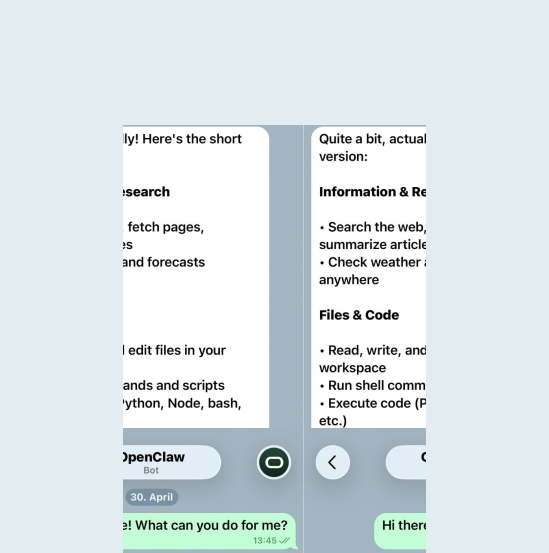
OpenClaw is a personal assistant you reach through the messaging apps you already use, with memory, browser automation, and shell access behind it. With Privatemode as its model provider, everything it reads and remembers is processed by open-weight models in an environment whose memory stays encrypted.

Use cloud AI in OpenClaw without exposing your assistant's context
The challenge
Personal assistants need powerful models
OpenClaw runs a conversational agent across messaging apps with persistent memory, browser automation, and shell access. Frontier LLMs make the assistant feel competent, but conventional providers process every prompt in plaintext on their servers. For an assistant wired into your personal life and workflows, that is a hard limit.
The solution
Encrypted before it leaves your machine
Privatemode exposes an OpenAI-compatible endpoint that OpenClaw connects to as a custom provider. Every request is encrypted before it leaves your machine and processed inside a hardware-isolated environment whose memory stays encrypted, so by design neither the infrastructure provider nor Privatemode can read your assistant's context. This is verifiable through remote attestation and open-source code.
How to set up Privatemode in OpenClaw
Using Privatemode as your model provider keeps all OpenClaw AI interactions confidential by design. You still have to take care of reducing the blast radius of your agent's actions. Privatemode does not manage agent permissions or action scope. You should carefully read OpenClaw's security and sandboxing guidelines.
Get your API key
If you don't have a Privatemode API key yet, you can generate one for free here.
Run the Privatemode proxy
The proxy verifies the integrity of the Privatemode service using remote attestation. The proxy also encrypts all data before sending and decrypts data it receives.
Install OpenClaw
Install OpenClaw with npm (Node.js 22 or newer) and run the onboarding, or use the installer script from the official docs.
Configure OpenClaw
This terminal session shows a minimal example configuration to help you get started with OpenClaw. We use Telegram here for its simple setup. Adjust the configuration to fit your needs.
Frequently asked questions about using Privatemode with OpenClaw
Minimal. OpenClaw takes the proxy as a custom provider in its config: an entry under models.providers with the proxy URL as baseUrl and api set to openai-completions, then the model is selected as the agents' primary model.


Want to look for yourself?