
Using Confidential AI with Claude Code
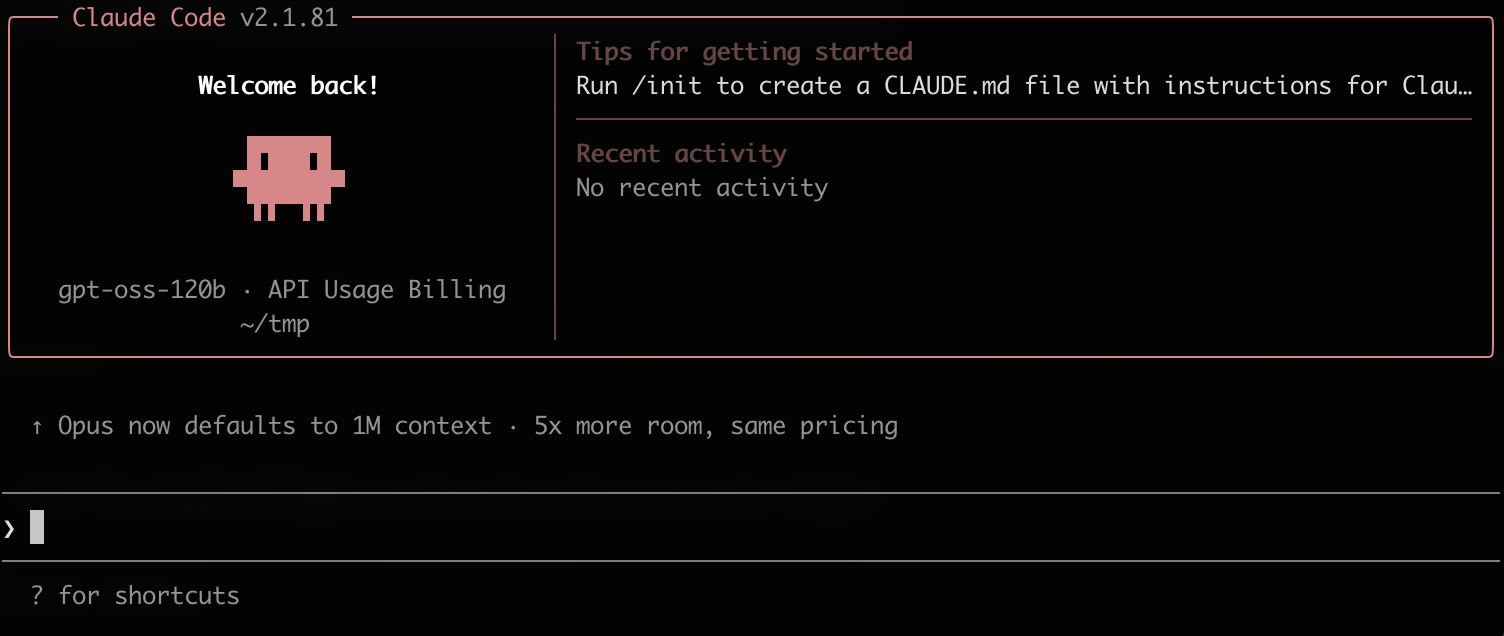
Claude Code works by reading your repository: it greps, opens files, and edits across the tree to answer a single prompt. You keep using Claude Code, but the model behind it changes: instead of Anthropic's Claude models (Sonnet, Opus, or Fable), your prompts go to open-weight models running inside confidential computing, so all of that context stays encrypted in memory while it is processed.

The challenge
Claude Code decides what the model sees
Claude Code decides for itself which files to open, so the model sees large parts of your codebase, not just the snippet you asked about. With a conventional provider, all of it is processed in plaintext on that provider's servers.
The solution
A different model behind the same Claude Code
The Privatemode proxy serves the Anthropic Messages API, so Claude Code talks to it unmodified: one base URL and a handful of environment variables, reverted just as quickly. Behind that URL, open-weight models answer instead of Anthropic's Claude models, while Claude Code itself works as before. The proxy verifies the service through remote attestation and encrypts each request on your machine, and the model then runs in a hardware-isolated environment whose memory stays encrypted.
Why use Privatemode AI with Claude Code?
Minutes to set up, easy to revert
End-to-end confidentiality
Open-weight models, not Claude models
Free tier available
Set up Claude Code in one prompt
Paste one prompt into Claude Code and it sets itself up on Privatemode, guided by the official docs and reversible at any time.

Claude Code
Anthropic's agentic CLI for your codebase. Pick a mode: try Privatemode in a single project first, or make every session confidential right away.
Try pasting this into Claude Code. It sets up this project only.
- 1. Get your API key from the dashboard
- 2. Paste the prompt into Claude Code
- 3. Test it: say "undo" to revert everything
No risk: Only local project settings are modified and a local proxy is created. Your overall setup stays untouched.
Or set it up by hand
The prompt above follows the setup guide in the Privatemode docs. Follow it yourself if you would rather not hand the configuration to an agent, or if Claude Code has no working provider yet to run the prompt with. Requires Claude Code v2.1.242 or later.
Get your API key
If you don't have a Privatemode API key yet, you can generate one for free here.
Set up Claude Code
The cookbook in the Privatemode docs walks you through running the local proxy and pointing Claude Code at it in ~/.claude/settings.json, including the model list that keeps the /model picker and sub-agents on Privatemode models.
Frequently asked questions about Claude Code with Privatemode
Privatemode offers a range of models running inside confidential computing environments, with your data encrypted in memory during processing. See the model overview.