
Integrating Privatemode AI with Jan
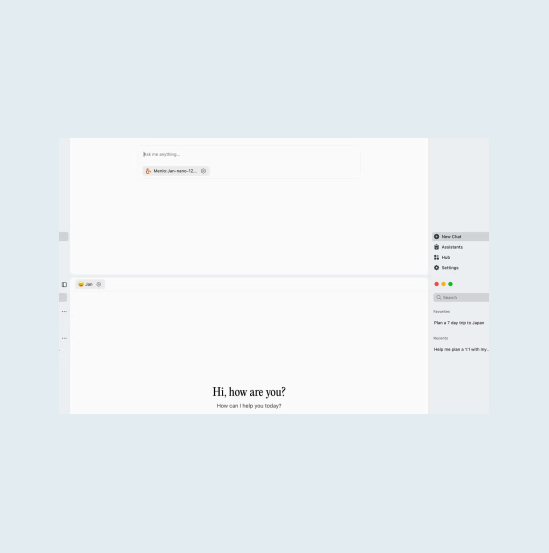
Jan runs models locally and connects tools through MCP. Privatemode adds a remote model strong enough to run those tools reliably, with every request encrypted before it leaves your machine and encrypted in memory while it is processed.

The challenge
MCP tools need a bigger model than a laptop runs
Jan connects tools through MCP, and Jan's own docs note that many open-source models are not built for tool calling or handle it poorly, so the connectors work best with a larger model than most laptops can run. The usual way out is a conventional cloud provider, which processes your conversations in plaintext on its servers.
The solution
A remote model that handles the tools
Jan adds Privatemode alongside its local models, and the models behind it handle tool calling and structured outputs, so MCP tools work reliably. The proxy on your machine verifies the service through remote attestation and encrypts each request before it leaves.
Why use Privatemode AI with Jan?
Reliable tool calling for MCP
End-to-end confidentiality
Free tier available
How to set up Privatemode in Jan

Get your API key
If you don't have a Privatemode API key yet, you can generate one for free here.
Run the Privatemode proxy
The proxy verifies the integrity of the Privatemode service using remote attestation. The proxy also encrypts all data before sending and decrypts data it receives.
Configure Jan to use Privatemode
Frequently asked questions about using Privatemode with Jan
Minimal changes. Jan supports custom OpenAI-compatible endpoints under Settings > Model Providers > Add Provider, with the OpenAI-compatible API format. You add Privatemode there with the base URL http://localhost:8080/v1 and any placeholder API key, add the model ID (Jan also tries to detect the models from the proxy), and the chat interface works as usual.
Your agent remembers everything. Your model provider shouldn't see it.

Your gateway routes every team's prompts. Your model provider shouldn't read them.

Want to look for yourself?