
Integrating Privatemode AI with Xcode
Xcode's Intelligence features are wired to an external provider out of the box. Privatemode is a provider you add in settings, so the same assistance runs on open-weight models instead of OpenAI's or Anthropic's models, in an environment whose memory stays encrypted while it works on your code.

Xcode Intelligence on a model you choose
The challenge
Intelligence sends your code to an external provider
Swift Assist, code generation, and agentic changes use an external provider unless you change it. For Apple platform work that code often concerns unreleased hardware, seeded OS builds, and client projects under NDA, and a conventional provider processes it in plaintext on its servers.
The solution
A provider you add, not a plugin you install
Xcode's model provider list is part of the IDE, so once the Privatemode proxy runs on your Mac, adding it takes a few fields in Settings. The proxy holds your key, verifies the service through remote attestation, and encrypts each request before it leaves the machine.
How to set up Privatemode in Xcode
Get your API key
If you don’t have a Privatemode API key yet, you can generate one for free here.
Run the Privatemode proxy
The proxy verifies the integrity of the Privatemode service using confidential computing-based remote attestation. The proxy also encrypts all data before sending and decrypts data it receives.
Add Privatemode as a model provider in Xcode
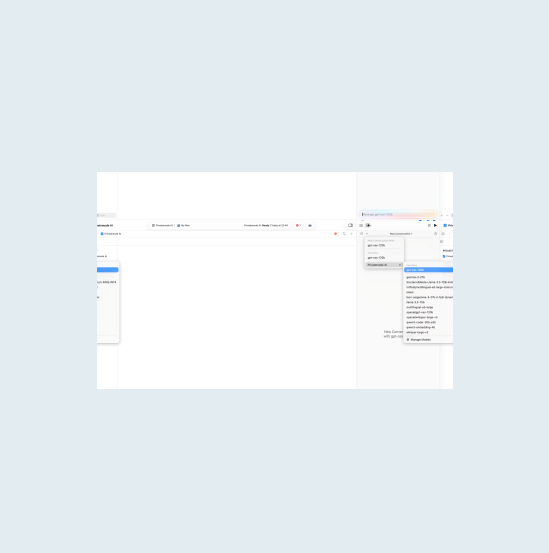
Open Xcode 26 or later and go to Settings > Intelligence. Click Add a Model Provider, choose Locally Hosted, and enter localhost:8080 with a description such as Privatemode. Xcode adds the /v1 path itself, and no API key is needed here because the proxy holds your real Privatemode key.
Walk through the interactive demo
Frequently asked questions about using Privatemode with Xcode
All of Xcode’s Intelligence features work with Privatemode, including Swift Assist, code generation, and agentic coding. Since Xcode 26 natively supports custom OpenAI-compatible model providers via Settings > Intelligence, every AI feature routes through Privatemode automatically once configured.