
Integrating Privatemode AI with Tabby
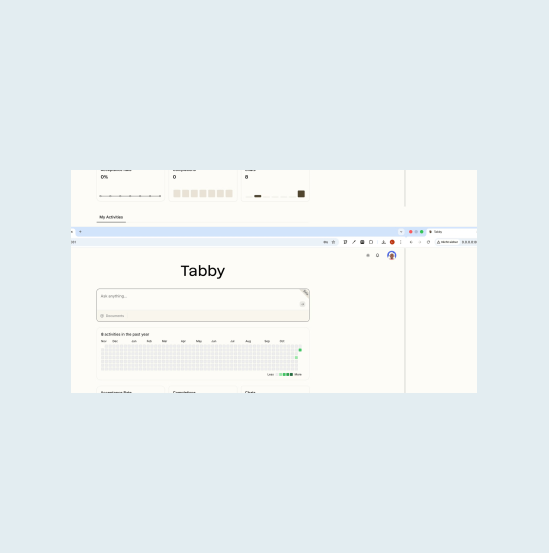
Tabby is a self-hosted coding assistant with completion, chat, and an answer engine over your indexed repositories. Privatemode supplies the chat and embedding models it needs, with your code encrypted in memory even during processing.

The challenge
Self-hosted, and capped by what you can host
Teams run Tabby on their own infrastructure to keep their code in-house. That choice caps them at the models their hardware can serve, which are often smaller than the best available, and switching to a conventional cloud backend would send their code to the provider in plaintext.
The solution
Chat and embeddings from one proxy
Tabby needs a chat model and an embedding model, and the Privatemode proxy serves both, so repository indexing and the answer engine are protected in the same way as chat. Requests are encrypted before they leave your infrastructure and processed in a hardware-isolated environment whose memory stays encrypted.
Why use Privatemode AI with Tabby?
Chat and repository search
End-to-end confidentiality
Free tier available
How to set up Privatemode with Tabby
Get your API key
If you don't have a Privatemode API key yet, you can generate one for free here.
Run the Privatemode proxy
The proxy verifies the integrity of the Privatemode service using confidential computing-based remote attestation. The proxy also encrypts all data before sending and decrypts data it receives.
Install Tabby
To install Tabby on macOS using Homebrew, run the command below. This will download and set up the Tabby CLI so you can run and manage the Tabby server.
Create the following configuration file for Tabby
Create the configuration directory and then generate the config file that points both of Tabby's remote model roles, chat and embedding, at the Privatemode proxy.
Start Tabby
To start Tabby with the configuration you just created, run the following command launching the Tabby server.

Done
You've successfully set up Tabby with Privatemode.
Frequently asked questions about using Privatemode with Tabby
Minimal changes. Tabby natively supports OpenAI-compatible HTTP model backends. You add a few lines to your config.toml pointing the chat and embedding models to the Privatemode proxy, and every request is encrypted on your machine before it leaves.